- Is Claudoscope free?
- Yes. Claudoscope is completely free and open-source under the MIT license.
- How do I view and replay Claude Code sessions?
- Install Claudoscope, a free and open-source Claude Code session viewer for macOS. It reads the JSONL transcripts Claude Code keeps in
~/.claude/projects/ and opens any session as a readable chat with tokens and cost on every message. The Trace tab lays the same session out on a time axis, showing prompts, tool calls, subagents, context fill, and cumulative cost, and Replay plays it back at up to 1200×. Resume reopens the session in your terminal with claude --resume. Everything runs locally. See the Trace tab in action.
- Does Claudoscope work with Enterprise Claude Code?
- Yes. Claudoscope reads directly from local JSONL session files in
~/.claude/projects/. It works with any Claude Code deployment including Enterprise API setups where cookie-based trackers cannot function.
- How is Claudoscope different from the /usage command?
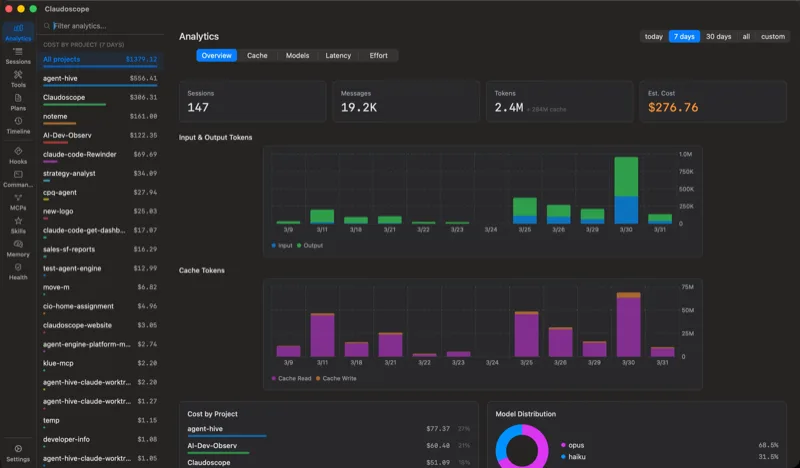
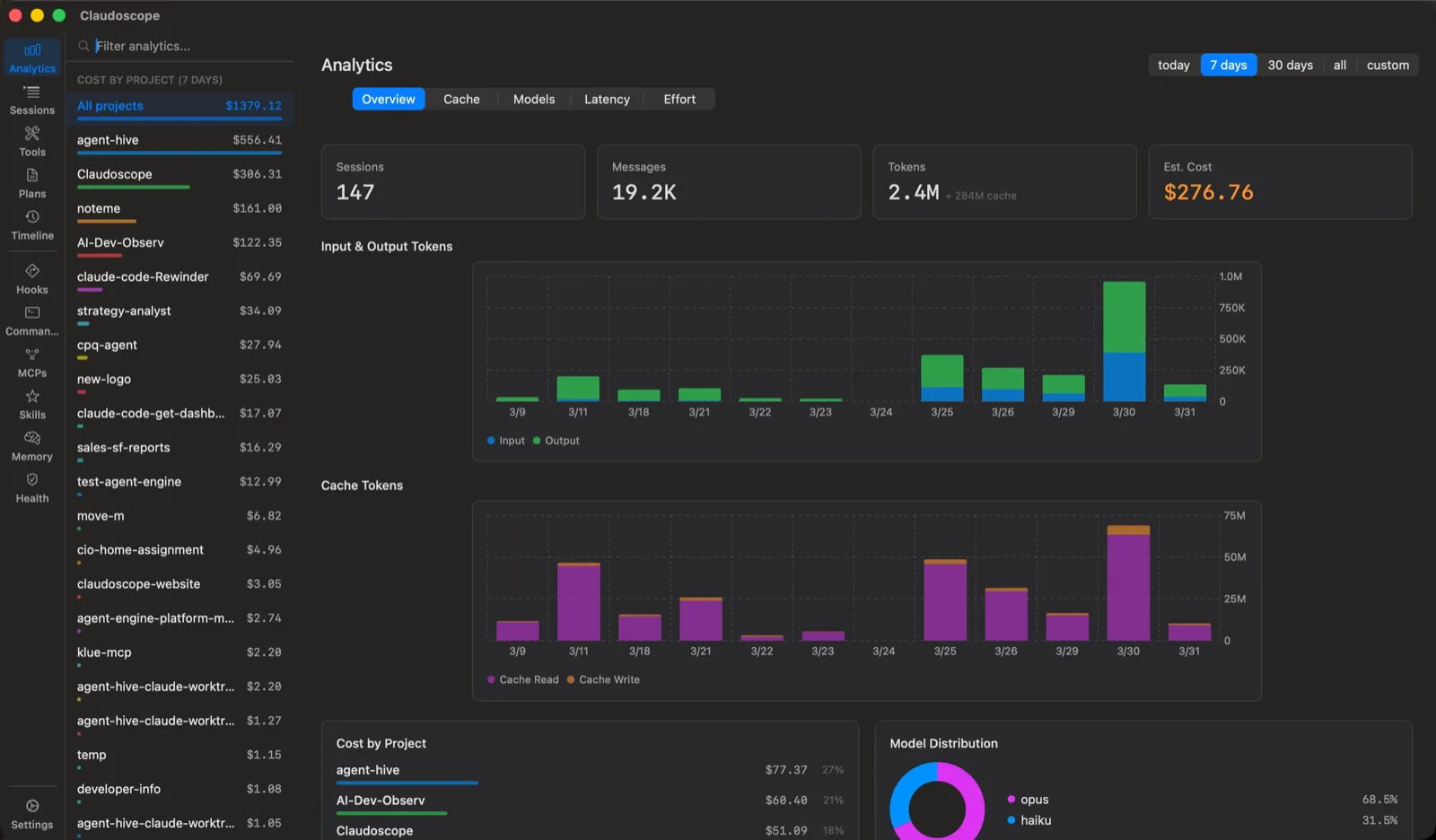
- The /usage command shows a snapshot of your current session. Claudoscope gives you a full browsable history of every session, with search, cost breakdowns, and analytics across all your projects.
- How is Claudoscope different from ccusage?
- ccusage is a command-line report that prints usage by day, week, month, or session and runs anywhere Node runs. Claudoscope is a native macOS app that watches the same files live, keeps a searchable session history, scans transcripts for leaked secrets, and fires cost alerts. Both are free, local, and MIT licensed, and they run side by side. The full comparison, including when ccusage is the better pick, is on the ccusage comparison page.
- Does Claudoscope collect any data?
- No. Claudoscope runs 100% locally on your Mac with zero telemetry. It reads session files from your local disk and never sends data anywhere.
- What is Claude Code hardening?
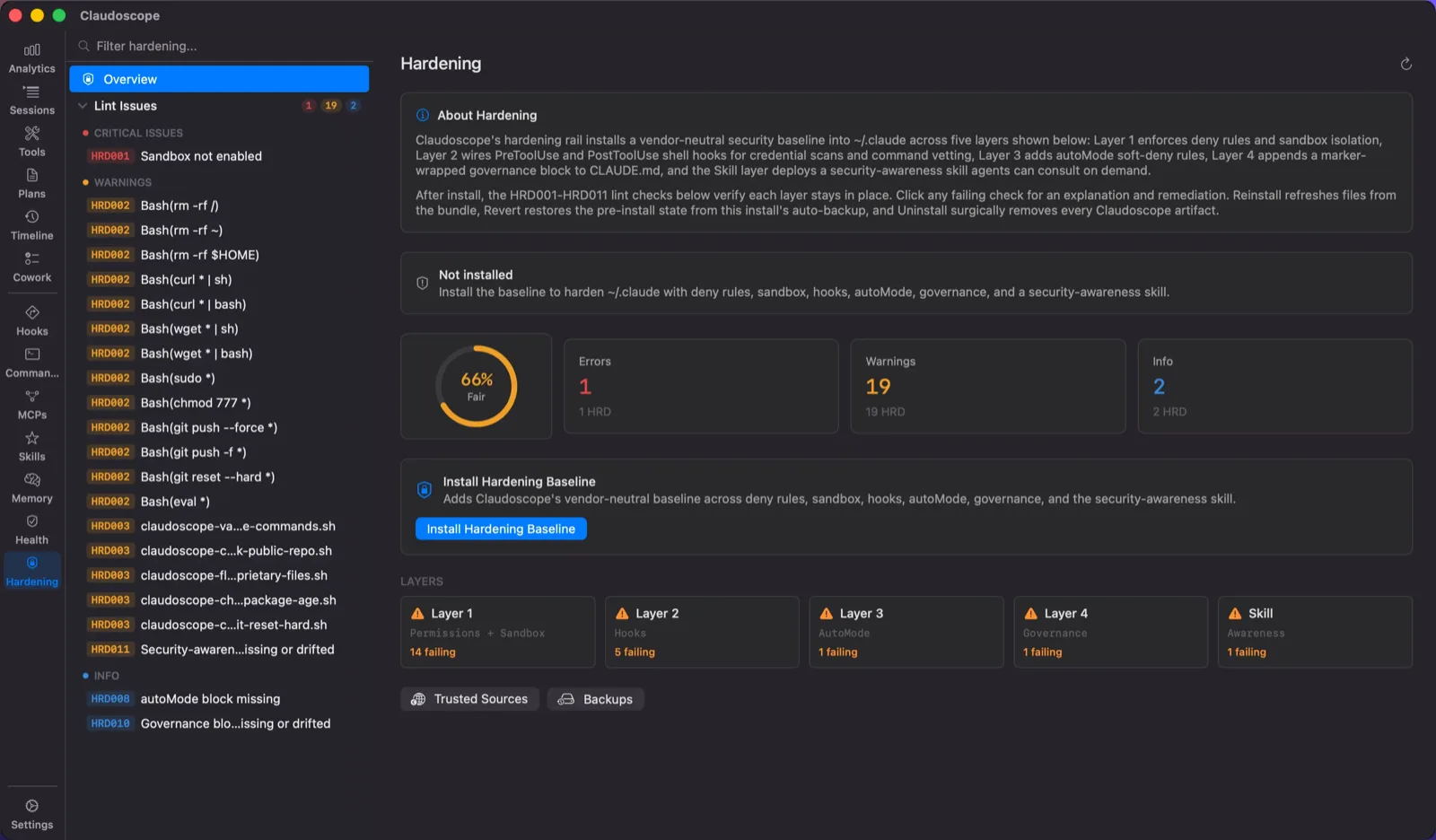
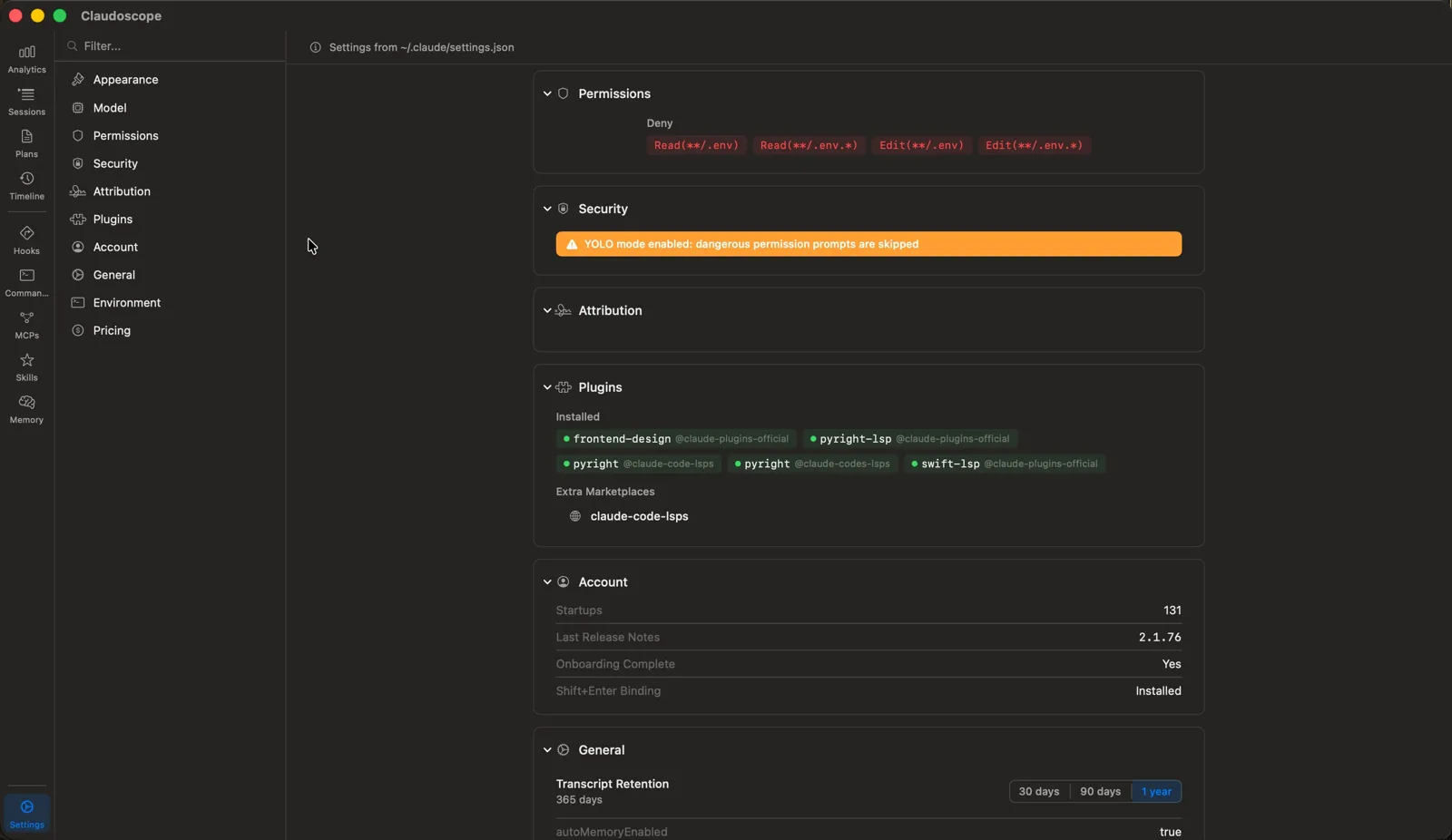
- Claudoscope's hardening locks down Claude Code in one click. Claude Code can read your filesystem, run shell commands, and reach outbound networks with very few guardrails out of the box. Claudoscope's hardening baseline blocks credential leaks, destructive commands, and risky network calls through a layered mix of deny rules, sandbox isolation, and pre/post-tool hooks. Drift checks keep the baseline in place over time, and the install is fully reversible.
- Is the security hardening reversible?
- Yes. Before installing the baseline, Claudoscope takes a full backup of your existing
~/.claude/ configuration. Revert restores the pre-install state from the auto-backup. Uninstall surgically removes only Claudoscope-installed artifacts and leaves any rules you added by hand intact.
- Does Claudoscope work with Claude Cowork?
- Yes. Claudoscope reads Cowork sessions from
~/Library/Application Support/Claude/ and surfaces them in a dedicated rail alongside your Claude Code data. Cowork spend is rolled into the analytics totals, so the dashboard reflects your full Claude bill, not just the CLI portion. The rail appears automatically once at least one Cowork session exists on disk.
- Can Claudoscope notify me when Claude Code needs my input?
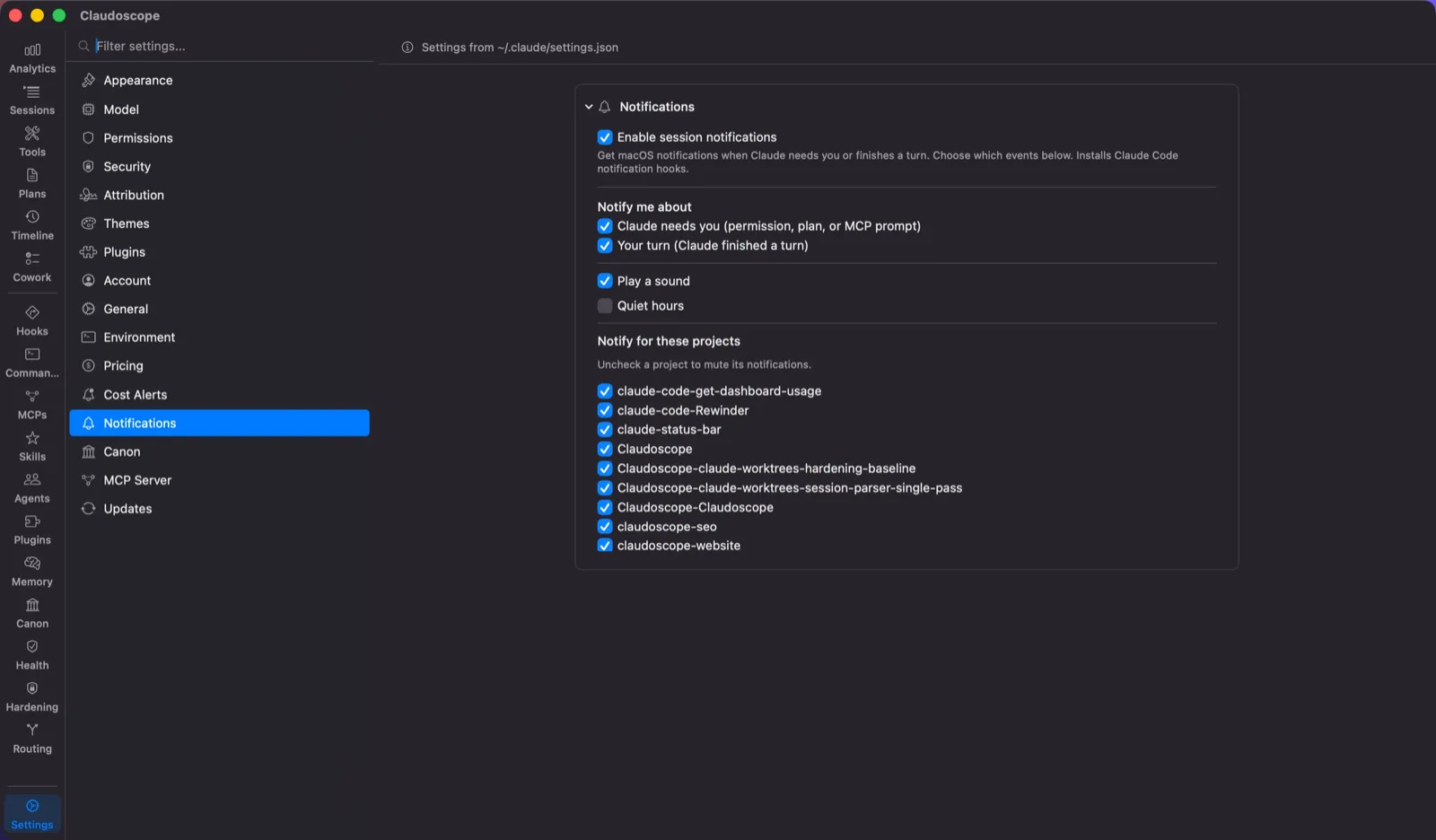
- Yes. Session notifications are opt-in. Claudoscope installs Claude Code
Notification and Stop hooks and delivers two independently toggleable native macOS notifications: “Claude needs you” when a session is blocked on a permission, plan, or MCP prompt, and “Your turn” when Claude finishes a turn. Both are event-driven, so neither re-fires on its own. Includes per-project mute, daily quiet hours, and a sound toggle. Clicking a notification focuses the terminal tab running that session in Ghostty, iTerm2, or Terminal.app.
- Can Claudoscope alert me before a Claude Code session gets expensive?
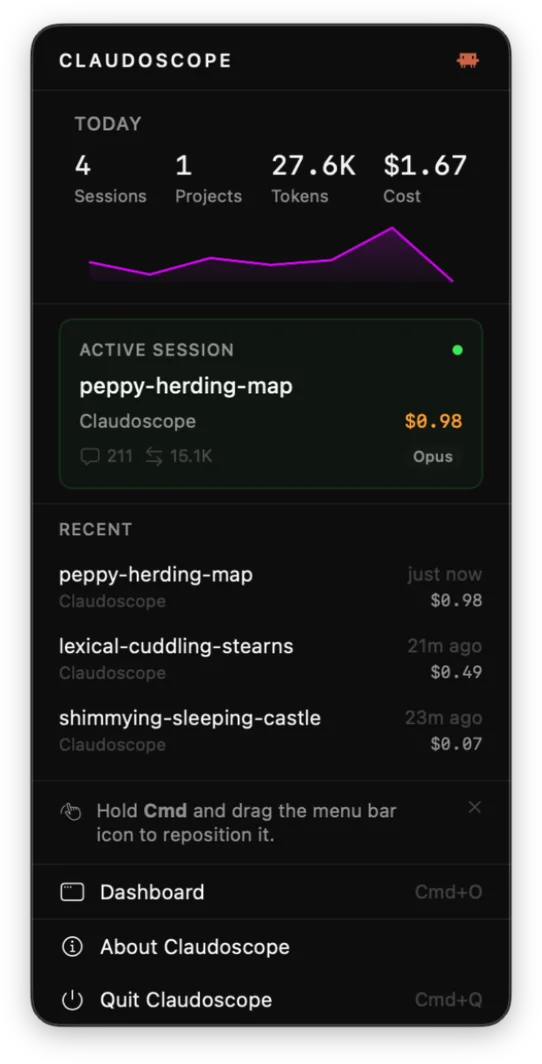
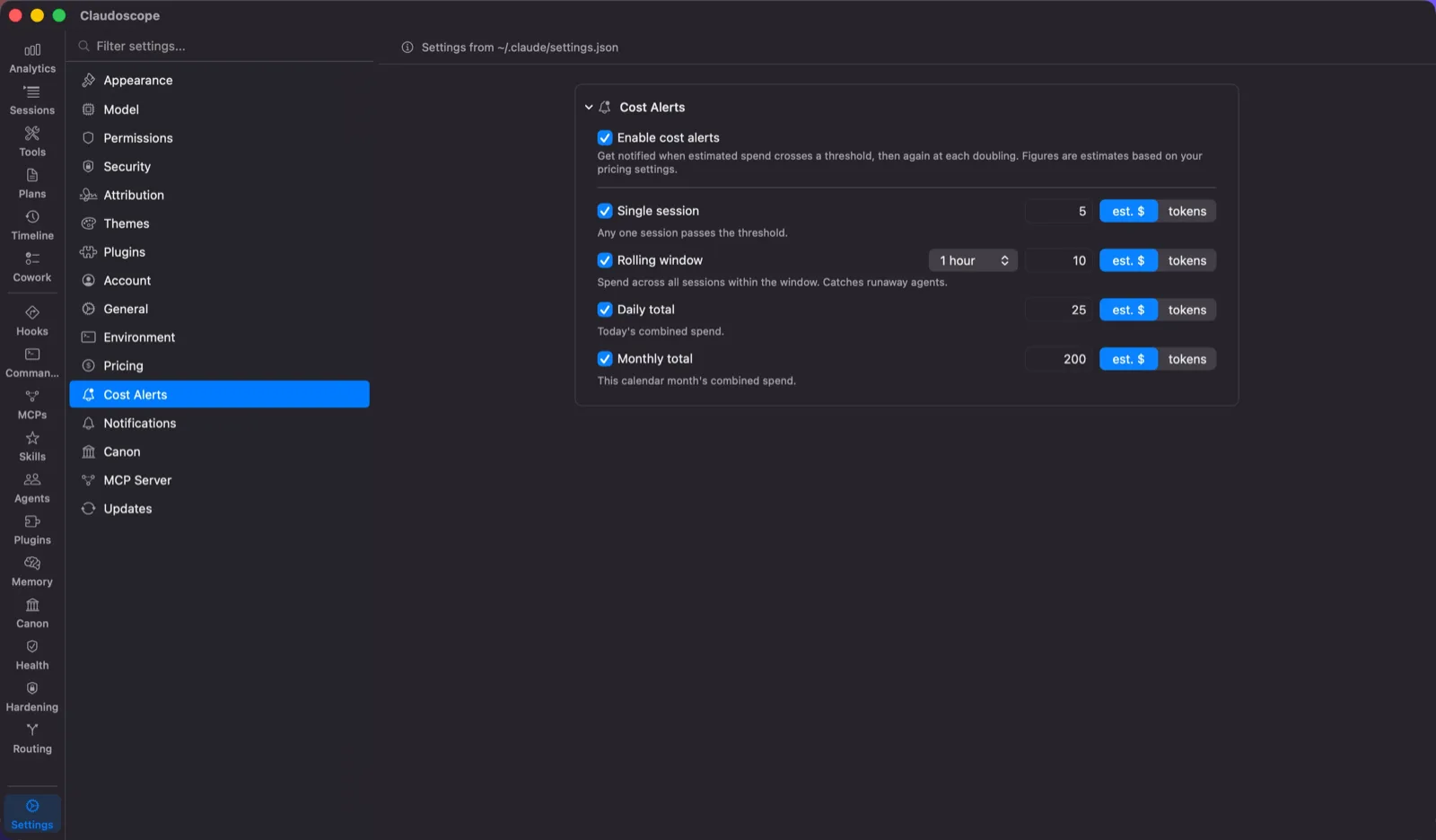
- Yes. Cost alerts are optional and off by default. Four rules cover a single-session cap, rolling-window spend from 5 minutes to 4 hours which doubles as runaway-burn detection, a daily total, and a monthly total. Alerts arrive as a macOS notification plus a red menu bar dot and stay in the popover until dismissed. All figures are estimates computed locally from your transcripts.
- Can Claude Code query my own usage data?
- Yes. Claudoscope includes an optional read-only MCP server, off by default, that runs inside the app so Claude Code can query your own usage data. Nine tools cover usage totals, project and session listing and search, config linting, plans, and canon. It reuses the same analytics engine as the dashboard, so the numbers match. It is served over a
0600 unix socket via a bundled stdio shim, secrets are always masked, and enabling it registers the shim through the claude CLI rather than editing ~/.claude.json directly.